iPhone Repair Tips
iPhone Touch Screen Not Working in Bali? Causes & What to Do
Is your iPhone touch screen not working in Bali? Learn common causes of unresponsive or erratic touch, safe checks to try, and when professional diagnosis may be needed.
 Bali Phone RepairRepair - Trade - Rental
iPhone Repair Tips
Is your iPhone touch screen not working in Bali? Learn common causes of unresponsive or erratic touch, safe checks to try, and when professional diagnosis may be needed.
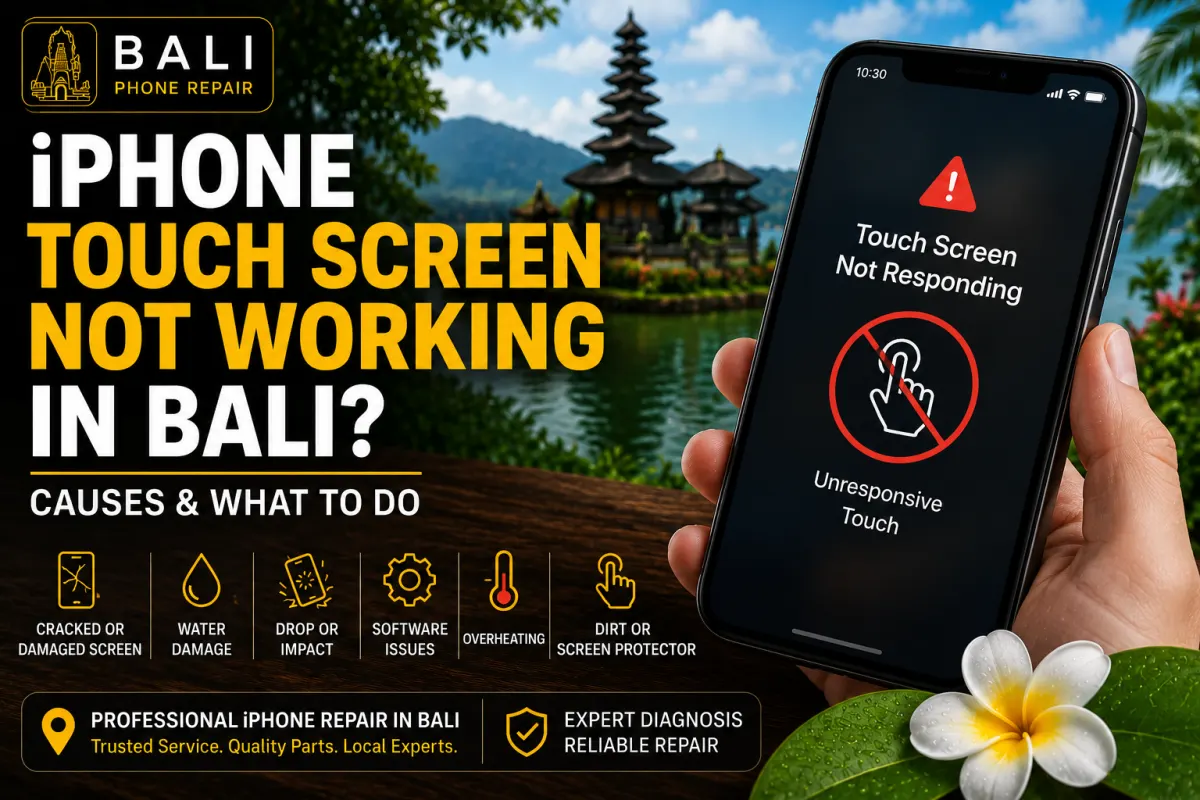
An iPhone screen can still display an image while the touchscreen responds slowly, behaves unpredictably, or stops responding completely.
Sometimes the problem is temporary and related to software or something interfering with the screen. In other cases, a damaged display, impact, liquid exposure, or another hardware problem may require professional inspection.
If you are in Bali and depend on your iPhone for maps, transportation, bookings, communication, payments, or work, an unresponsive touchscreen can quickly become a serious inconvenience.
Before assuming that the entire screen needs replacement, it is useful to identify exactly how the touch problem behaves.
Your iPhone may have a touchscreen-related problem if:
The exact symptoms matter because several different problems can produce similar touchscreen behaviour.
An application or iOS issue can sometimes make an iPhone appear unresponsive even when the display hardware itself is functioning.
If the problem appeared suddenly without any physical damage or liquid exposure, restarting the device may be a reasonable first step.
A cracked screen does not always stop working immediately. Some damaged displays continue functioning normally for a period before touch response becomes unreliable.
Impact can also damage components beneath the visible glass even when the external crack appears relatively minor.
An iPhone does not need to have severely shattered glass to develop touch problems after a fall.
If touch issues started immediately or shortly after the phone was dropped, physical damage should be considered during diagnosis.
Rain, pool water, seawater, spills, and other liquids can potentially affect the display or internal electronics.
This is particularly relevant in Bali, where iPhones are commonly used around beaches, pools, boats, outdoor activities, and humid environments.
If touch problems began after liquid exposure, avoid assuming that replacing the screen alone will solve the problem. Other components may also need inspection.
A damaged, poorly fitted, or unusually thick screen protector can sometimes interfere with normal touchscreen use.
Moisture, oil, dirt, or other contamination on the display can also affect how accurately touches are registered.
Clean and dry the exterior of the screen carefully before assuming that the device has an internal fault.
If the touchscreen remains unresponsive despite basic troubleshooting, the problem may involve the display assembly, its connections, or another component inside the iPhone.
Professional inspection can help distinguish between these possibilities before parts are replaced.
Ghost touch describes behaviour where an iPhone appears to register touches that you did not intentionally make.
You may notice apps opening by themselves, unexpected typing, menus moving, or controls activating without deliberate input.
This can make the phone difficult or unsafe to operate normally, particularly if unintended touches occur while entering passwords, sending messages, or using important applications.
Persistent ghost touch should be diagnosed rather than ignored.
If the iPhone has no known serious physical or liquid damage, several simple checks may help identify a temporary problem.
Make sure the display is clean and dry.
Remove moisture, oil, or contamination from the exterior using an appropriate soft cloth. Do not apply excessive liquid directly to the phone.
If the problem began after installing or damaging a screen protector, check whether it is lifting, cracked, or interfering with normal touch operation.
If enough of the touchscreen remains functional, perform a normal restart and test the device again.
If the phone is completely unresponsive, a force restart may be appropriate. The correct button sequence depends on the iPhone model.
If unusual touchscreen behaviour happens while charging or while an accessory is connected, disconnect the accessory and observe whether the behaviour changes.
This does not prove that the accessory is responsible, but it can provide useful diagnostic information.
Think about whether the touchscreen problem appeared after:
This history can help a technician narrow down the likely cause.
No.
An unresponsive touchscreen is a symptom, while screen replacement is one possible repair.
If the problem is caused by temporary software behaviour, contamination, or another issue outside the display assembly, replacing the screen may not be necessary.
On the other hand, a physically damaged display or failed touch component may require screen replacement after inspection.
The appropriate repair depends on what is actually causing the problem.
If the touchscreen problem began after the screen was cracked or the phone suffered an impact, display damage becomes a more important possibility.
Look for additional symptoms such as:
For more information about damaged displays and replacement, read our iPhone Screen Replacement Bali guide.
If touchscreen problems appeared after rain, pool water, seawater, or another liquid incident, the device may require broader inspection.
Liquid can affect more than the display, and symptoms may change as contamination or corrosion develops.
Read our iPhone Water Damage in Bali guide for immediate steps and things to avoid after an iPhone gets wet.
For information about professional liquid-damage inspection, see our iPhone Water Damage Repair Bali guide.
A black screen and an unresponsive touchscreen are not necessarily the same problem.
An iPhone may still be powered on while its display is not producing a visible image. Alternatively, the device itself may not be starting correctly.
Listen for notifications, vibration, charging sounds, or other signs that the phone may still be operating.
If the iPhone repeatedly shows the Apple logo rather than reaching the Lock Screen, our iPhone Stuck on Apple Logo in Bali guide may be more relevant.
Minor intermittent problems may initially seem manageable, but unreliable touch response can become increasingly inconvenient.
Ghost touch can be particularly problematic because the device may register unintended actions.
If the screen is physically damaged, lifting away from the frame, unusually hot, or showing signs of possible battery swelling, stop pressing the display back into position and arrange an inspection.
Bali Phone Repair can inspect iPhones with unresponsive, intermittent, or erratic touchscreen behaviour.
Depending on the symptoms, inspection may consider:
The goal is to determine whether the problem is actually related to the display or whether another issue should be investigated first.
If your iPhone screen is unresponsive, only responds in certain areas, experiences ghost touch, or developed touch problems after a drop or liquid exposure, Bali Phone Repair can inspect the device and help identify the appropriate next step.
When contacting us, provide your iPhone model, describe exactly how the touchscreen behaves, and mention any recent drop, screen damage, liquid exposure, or previous repair.
If possible, send photos showing any visible screen or frame damage.
For broader iPhone diagnosis and repair options, visit our iPhone Repair Bali service page.
Need professional help?
Send your device model, issue, photos, and location so our team can suggest the next practical step.
Related articles
Need iPhone repair while travelling in Bali? Learn what tourists should check before repair, what information to provide, and how to arrange practical repair support during your trip.
Read articleBroken your iPhone while in Bali? Learn what to do after drops, screen damage, charging problems or liquid exposure, and when professional diagnosis may be needed.
Read articleDoes your iPhone keep restarting in Bali? Learn common causes of random restarts and boot loops, what you can safely check, and when professional diagnosis may be needed.
Read article