iPhone Repair Tips
iPhone Stuck on Apple Logo in Bali? Causes & What to Do
Is your iPhone stuck on the Apple logo in Bali? Learn common causes, safe troubleshooting steps, and when the problem may require professional diagnosis.
 Bali Phone RepairRepair - Trade - Rental
iPhone Repair Tips
Is your iPhone stuck on the Apple logo in Bali? Learn common causes, safe troubleshooting steps, and when the problem may require professional diagnosis.
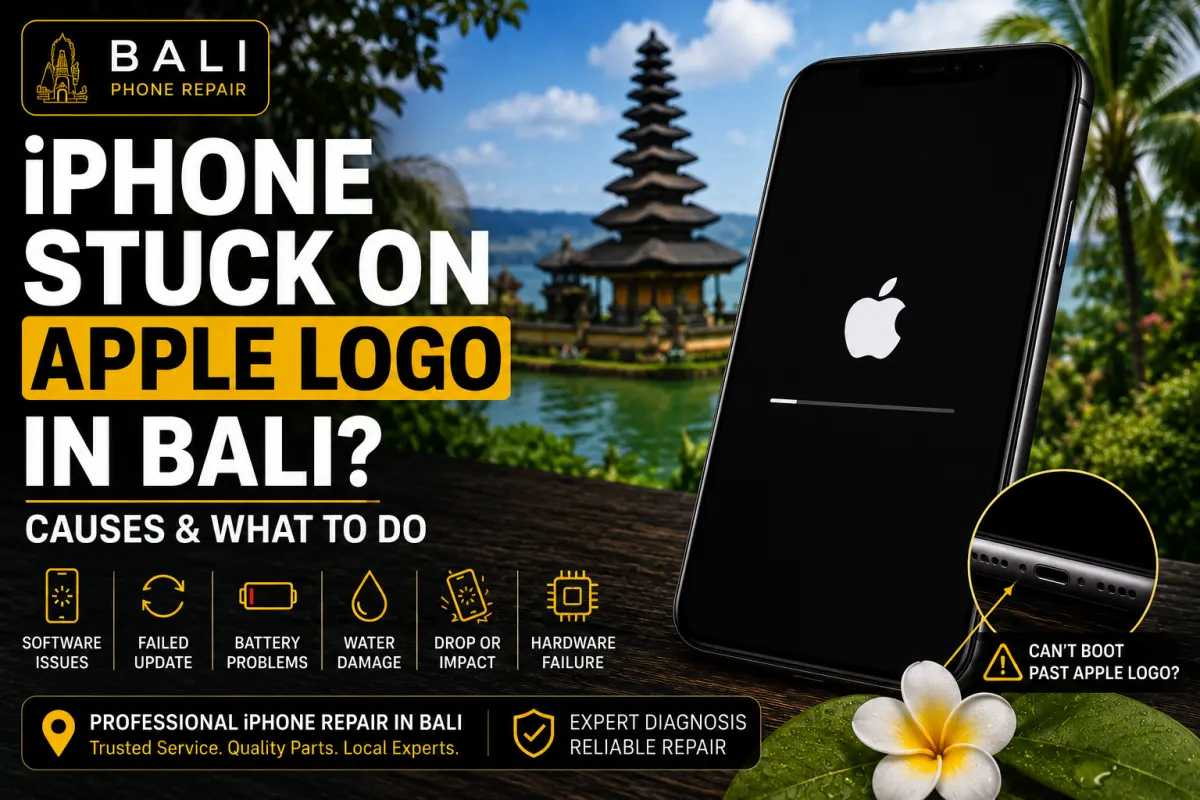
An iPhone that remains on the Apple logo and does not finish starting up can be alarming, especially when you depend on the device for communication, navigation, work, bookings, or travel in Bali.
However, seeing the Apple logo does not immediately tell you which component has failed. The problem can be related to iOS, insufficient storage, an interrupted update, previous physical or liquid damage, battery or power issues, or another hardware fault.
The important first step is determining whether the iPhone is temporarily frozen or repeatedly unable to complete its normal startup process.
You may be dealing with a startup or boot problem if your iPhone:
These symptoms can look similar while having very different causes, which is why diagnosis is important before replacing components.
A software problem can prevent an iPhone from completing its normal startup sequence. This may occur after an interrupted update, unsuccessful restore, software error, or another issue affecting iOS.
If the problem appeared immediately after an update or software-related change, that information can be useful during diagnosis.
An iPhone operating with extremely limited free storage may experience performance and software problems.
If you remember receiving repeated storage warnings before the startup problem began, mention this when requesting support. It may help provide useful context for diagnosis.
A weak battery or another power-related issue can sometimes contribute to unexpected shutdowns, restarts, or difficulty completing startup.
This does not mean that every iPhone stuck on an Apple logo needs a new battery. Battery condition should be considered together with the other symptoms.
If the iPhone was recently exposed to rain, pool water, seawater, a spill, or another liquid, the startup problem may involve hardware rather than software alone.
This is particularly relevant in Bali, where phones are frequently used around beaches, pools, boats, outdoor activities, and humid environments.
If the problem began after liquid exposure, avoid repeatedly attempting to charge or restart the device and tell the technician what happened.
An iPhone can sometimes continue working immediately after a fall and develop problems later.
If the device became stuck on the Apple logo after being dropped or receiving a significant impact, internal hardware should also be considered during inspection.
If there is no known liquid exposure or serious physical damage, a few basic checks may be appropriate before arranging a repair.
If the problem occurred while iOS was updating, the device may need time to complete the process.
Avoid repeatedly interrupting an update simply because startup is taking longer than usual.
A force restart can sometimes recover an iPhone that has become temporarily unresponsive.
The correct button sequence varies between iPhone generations, so use the procedure appropriate for your specific model.
A force restart does not erase the iPhone, but it also will not repair an underlying hardware problem.
The events immediately before the failure can provide important diagnostic clues.
Consider whether the iPhone:
Providing this information can make diagnosis more efficient.
If the Apple logo appears, disappears, and then returns repeatedly, the iPhone may be experiencing a restart or boot loop.
A boot loop is a symptom rather than a diagnosis. Software corruption, storage problems, power issues, damaged components, liquid exposure, and other hardware faults can potentially produce similar behaviour.
Repeatedly forcing the phone to restart without understanding the underlying cause may not solve the problem.
Not necessarily, but data cannot be guaranteed in every situation.
The appropriate diagnostic approach depends on the cause of the startup failure. Some software recovery procedures can involve updating or restoring iOS, while hardware-related problems may require a different approach.
If the information stored on the iPhone is important and you do not have a current backup, tell the technician before authorising software restoration or other work that could affect your data.
Professional inspection is worth considering when:
At this point, identifying the cause is more useful than repeatedly trying random fixes.
Bali Phone Repair can inspect an iPhone that is stuck on the Apple logo or unable to complete startup.
Depending on the symptoms and device history, diagnosis may consider:
The objective is to identify the likely cause before recommending unnecessary component replacement.
If your iPhone became stuck on the Apple logo after contact with rain, pool water, seawater, or another liquid, treat the situation as a possible liquid-damage problem.
Read our iPhone Water Damage in Bali guide for information about what to do immediately after an iPhone gets wet.
For professional liquid-damage diagnosis and repair information, see our iPhone Water Damage Repair Bali guide.
If the iPhone was already shutting down unexpectedly or experiencing unusually poor battery life before the startup problem appeared, battery condition may also need to be considered.
Our iPhone Battery Draining Fast in Bali guide explains common battery-drain causes and useful checks.
You can also read our iPhone Battery Replacement Bali guide if battery degradation is suspected.
If your iPhone will not move past the Apple logo, repeatedly restarts, or cannot complete startup, Bali Phone Repair can help diagnose the problem before deciding on the appropriate repair.
When contacting us, send your iPhone model, explain what happened immediately before the problem started, and mention any recent update, drop, liquid exposure, charging problem, or unexpected restart.
For broader iPhone diagnosis and repair options, visit our iPhone Repair Bali service page.
Need professional help?
Send your device model, issue, photos, and location so our team can suggest the next practical step.
Related articles
Need iPhone repair while travelling in Bali? Learn what tourists should check before repair, what information to provide, and how to arrange practical repair support during your trip.
Read articleBroken your iPhone while in Bali? Learn what to do after drops, screen damage, charging problems or liquid exposure, and when professional diagnosis may be needed.
Read articleIs your iPhone touch screen not working in Bali? Learn common causes of unresponsive or erratic touch, safe checks to try, and when professional diagnosis may be needed.
Read article