iPhone Repair Tips
iPhone Speaker Not Working in Bali? Causes & What to Check
Is your iPhone speaker quiet, distorted, or not working in Bali? Learn common causes, simple checks, and when professional speaker diagnosis may be needed.
 Bali Phone RepairRepair - Trade - Rental
iPhone Repair Tips
Is your iPhone speaker quiet, distorted, or not working in Bali? Learn common causes, simple checks, and when professional speaker diagnosis may be needed.
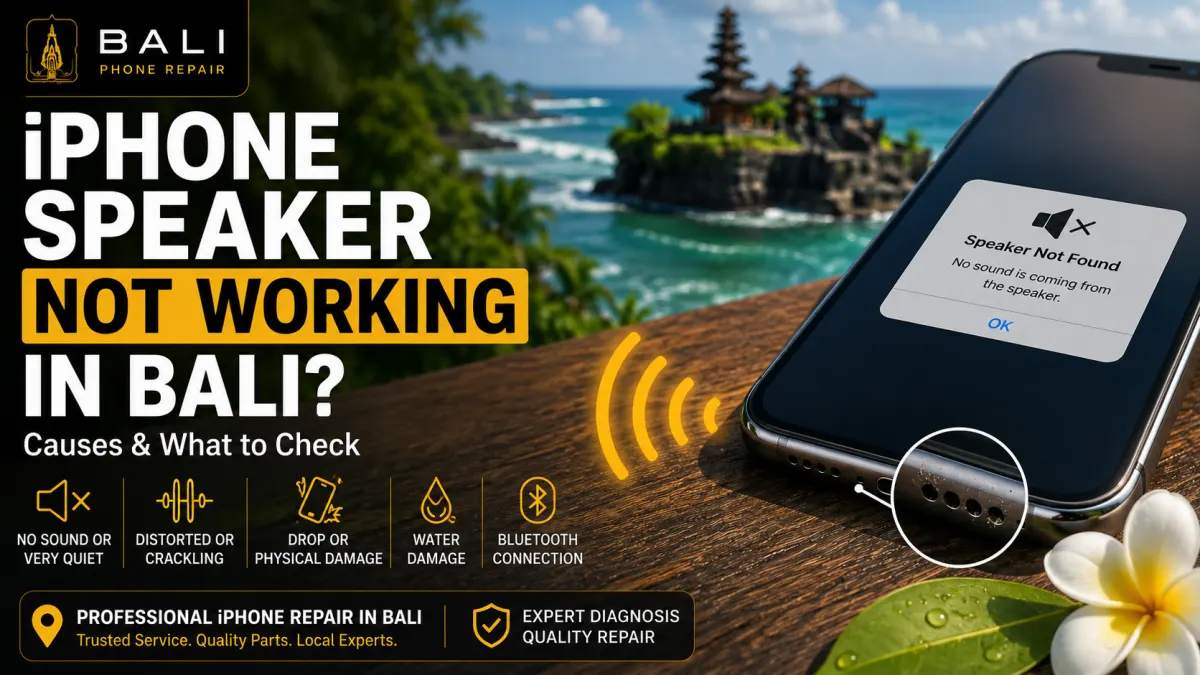
An iPhone speaker that suddenly becomes quiet, distorted, crackly, or completely silent does not necessarily mean the speaker itself has failed. Audio problems can be caused by blocked speaker openings, Bluetooth connections, software behaviour, liquid exposure, physical damage, or problems with internal components.
If you are in Bali and depend on your iPhone for calls, navigation, work, video, music, or communication, unreliable audio can quickly become inconvenient.
Before replacing any parts, it is useful to identify exactly when the sound problem occurs and which speaker or audio function is affected.
Your iPhone may need further inspection if you notice symptoms such as:
These symptoms can have different causes, so it is important not to assume that every audio problem requires speaker replacement.
If your iPhone still produces sound but the volume is unusually low, start with some simple checks.
Check the volume level and make sure the problem occurs across more than one application. You should also inspect the external speaker openings for visible dirt or obstruction.
Cases, accessories, and accumulated debris can sometimes interfere with sound output. Remove the case temporarily and test the device again.
Avoid pushing sharp objects, pins, or metal tools into speaker openings. Improper cleaning can cause additional damage.
Distorted sound can occur when the speaker opening is obstructed, the device has been exposed to moisture, the speaker component has been damaged, or another audio-related problem is present.
Try playing different types of audio at moderate volume. If distortion occurs consistently across calls, music, videos, and other applications, the issue may require further diagnosis.
If the problem began immediately after the iPhone was dropped or became wet, mention this when requesting an inspection. How the problem started can provide useful diagnostic information.
Sometimes the iPhone speaker appears not to work because the sound is being sent to another device.
Check whether your iPhone is connected to Bluetooth headphones, a vehicle, speaker, AirPods, or another audio device.
Temporarily disconnect Bluetooth devices and test the iPhone speaker again.
This simple check can prevent unnecessary repair when the hardware is actually functioning normally.
Before arranging professional diagnosis, try these basic checks:
If the sound problem remains after these checks, professional inspection can help identify whether the speaker or another component is responsible.
It is useful to distinguish between the different audio symptoms.
If music and videos sound normal but phone calls are difficult to hear when the iPhone is held against your ear, the problem may involve the earpiece area rather than the main loudspeaker.
If calls through speakerphone, videos, music, and other media are all unusually quiet or distorted, a different part of the audio system may need to be checked.
When contacting us, describe exactly where and when the audio problem occurs. This helps narrow the diagnosis.
Liquid exposure is particularly relevant for devices used around Bali's beaches, pools, boats, outdoor environments, and tropical weather.
Rain, pool water, seawater, or another liquid can affect speaker performance and may also affect other internal components.
If the sound problem appeared after the iPhone became wet, avoid assuming that only the speaker needs attention.
For liquid-related symptoms, read our iPhone Water Damage Repair Bali guide.
If the device has recently been exposed to liquid, sound may temporarily become muffled or behave differently. However, persistent audio problems after liquid exposure may indicate that further inspection is needed.
Do not insert objects into the speaker openings or use excessive heat in an attempt to dry the device.
If seawater or another contaminating liquid was involved, professional inspection becomes particularly important because the problem may extend beyond the visible speaker area.
A drop can affect the screen, frame, camera, connectors, and internal components even when external damage appears limited.
If your audio problem began immediately after an impact, tell the technician how the phone was damaged and whether any other symptoms appeared at the same time.
If the impact also damaged the display, see our iPhone Screen Replacement Bali guide.
An iPhone operating at an unusually high temperature can behave differently until its temperature returns to a normal range.
If your speaker problem occurs together with excessive device heat, it is useful to consider the broader symptoms rather than treating the audio issue in isolation.
For temperature-related troubleshooting, read our iPhone Overheating in Bali guide.
No.
A speaker symptom does not automatically prove that the speaker component has failed.
Obstruction, software behaviour, audio routing, liquid exposure, damaged connectors, or another hardware problem can sometimes produce similar symptoms.
The appropriate repair depends on what is found during diagnosis.
If basic troubleshooting does not solve the problem, Bali Phone Repair can inspect the device to help determine the cause of the audio issue.
Depending on the symptoms, relevant checks may include:
The goal is to identify the cause before recommending replacement parts.
Repair time depends on the iPhone model, the cause of the audio problem, device condition, part availability, and whether additional damage is discovered during inspection.
A blocked speaker opening requires a different solution from liquid damage or a failed internal component.
If you are travelling in Bali and depend on your iPhone for communication, contact us with your exact model and symptoms before arranging service.
Speaker and audio problems can be diagnosed across many iPhone generations. The internal design and appropriate repair method vary by model.
When contacting us, provide your exact iPhone model if possible. Also tell us whether the problem affects calls, the loudspeaker, media playback, or several audio functions.
If your iPhone speaker is quiet, distorted, crackling, intermittent, or no longer producing sound, Bali Phone Repair can inspect the device and help determine the appropriate next step.
When contacting us, send your iPhone model, explain which audio function is affected, and tell us whether the problem started after a drop, liquid exposure, or another event.
For broader iPhone diagnosis and repair options, visit our iPhone Repair Bali service page.
Need professional help?
Send your device model, issue, photos, and location so our team can suggest the next practical step.
Related articles
Need iPhone repair while travelling in Bali? Learn what tourists should check before repair, what information to provide, and how to arrange practical repair support during your trip.
Read articleBroken your iPhone while in Bali? Learn what to do after drops, screen damage, charging problems or liquid exposure, and when professional diagnosis may be needed.
Read articleIs your iPhone touch screen not working in Bali? Learn common causes of unresponsive or erratic touch, safe checks to try, and when professional diagnosis may be needed.
Read article