iPhone Repair Tips
iPhone Overheating in Bali? Common Causes and What to Do
Is your iPhone getting unusually hot in Bali? Learn common causes of overheating, what you can safely try, and when the device may need professional inspection.
 Bali Phone RepairRepair - Trade - Rental
iPhone Repair Tips
Is your iPhone getting unusually hot in Bali? Learn common causes of overheating, what you can safely try, and when the device may need professional inspection.
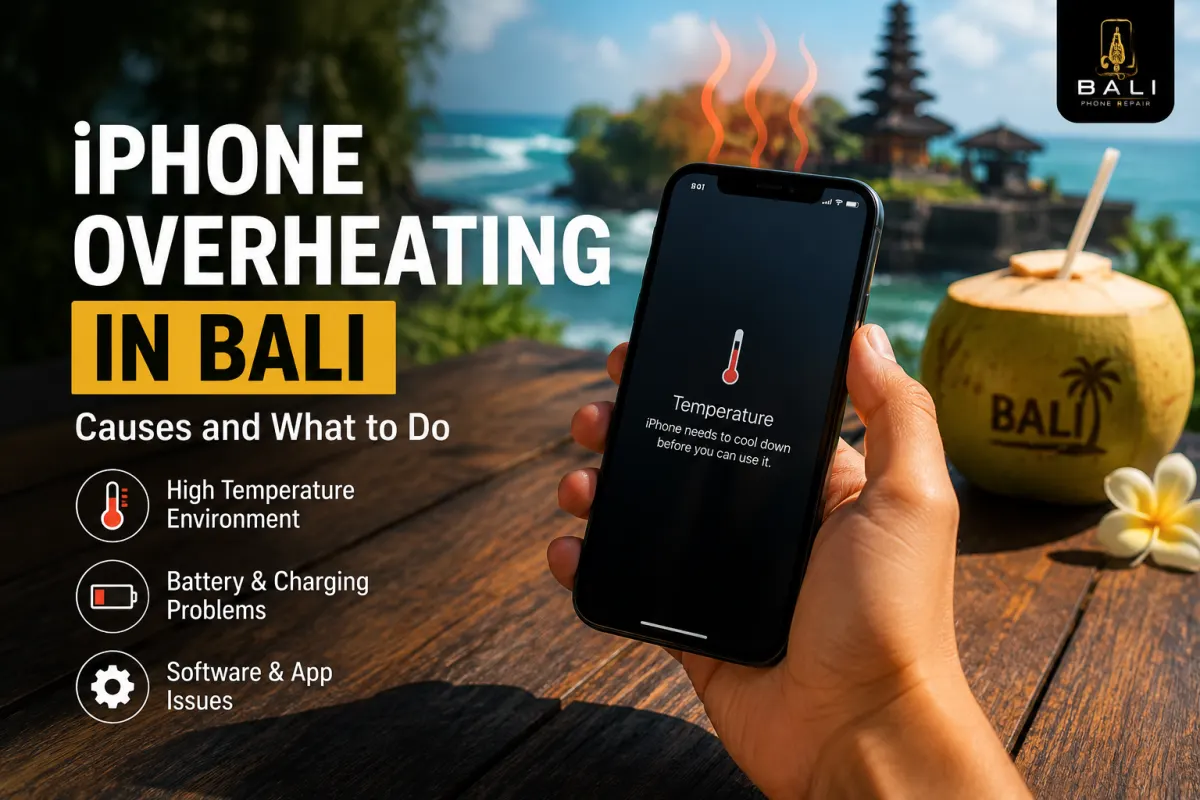
An iPhone can become warm during charging, navigation, gaming, video calls, photography, or other demanding activities. But if your iPhone becomes unusually hot, repeatedly displays a temperature warning, or heats up during light use, it is worth investigating the cause.
In Bali, environmental heat can make temperature-related problems more noticeable. Direct sunlight, hot vehicles, outdoor navigation, mobile data use, photography, and charging in warm environments can all contribute to higher device temperatures.
Overheating does not automatically mean that the battery is defective. Software activity, charging accessories, poor cellular reception, battery condition, liquid exposure, and other hardware problems can also contribute.
Several factors can cause an iPhone to become hotter than expected:
Sometimes several of these factors occur at the same time, so the source of excessive heat is not always obvious from a single symptom.
Some warmth can be normal. An iPhone may temporarily become warmer while charging, installing updates, restoring data, using the camera extensively, running navigation, or performing other processor-intensive tasks.
The more important question is whether the temperature is appropriate for what the phone is doing.
An iPhone that becomes slightly warm during navigation is different from a device that becomes extremely hot while sitting idle or performing a simple task.
If the iPhone becomes unusually hot, stop demanding activities and give the device an opportunity to cool naturally.
Do not try to cool an overheated iPhone rapidly with ice, a freezer, or very cold water. Rapid temperature changes can introduce additional problems, including condensation.
Hot outdoor conditions can contribute to higher device temperatures, particularly when the iPhone is simultaneously running navigation, using mobile data, displaying high screen brightness, or charging.
A common example is using an iPhone for GPS navigation on a scooter or in a vehicle while the device is exposed to sunlight. The combination of environmental heat, screen activity, GPS, and cellular data can generate considerably more heat than ordinary indoor use.
Whenever practical, keep the device shaded and avoid leaving it inside a parked vehicle or directly exposed to strong sunlight.
Poor or unstable cellular reception can contribute to additional power consumption because the device may work harder to maintain a network connection.
If you notice that both battery drain and heat become significantly worse in particular locations, network conditions may be one factor.
For more information about unusually high power consumption, read our iPhone Battery Draining Fast in Bali guide.
Some warmth during charging can be normal, but excessive or unusual heat deserves attention.
Heat while charging may be influenced by the charger, cable, battery condition, demanding applications running at the same time, environmental temperature, or a hardware problem.
If the iPhone repeatedly becomes excessively hot while charging, try a known-good compatible charger and avoid demanding use while the phone is connected to power.
If charging is also intermittent or unreliable, read our iPhone Charging Port Repair Bali guide.
Battery condition is one possible factor, but heat alone does not prove that an iPhone needs a new battery.
Pay attention to other symptoms such as unusually fast battery drain, unexpected shutdowns, abnormal charging behaviour, or physical changes to the device.
If battery performance has deteriorated significantly, see our iPhone Battery Replacement Bali guide.
A screen lifting away from the frame, an unusual gap in the enclosure, or other signs of battery swelling should be treated differently from ordinary device warmth.
Do not squeeze the phone or attempt to push a lifted screen back into position. Avoid unnecessary charging or continued use and arrange a professional inspection.
Liquid exposure can affect internal components and may sometimes be associated with unusual device behaviour, including charging problems, battery symptoms, or excessive heat.
If the overheating began after exposure to rain, pool water, seawater, or another liquid, mention this when requesting diagnosis.
For liquid-related problems, read our iPhone Water Damage Repair Bali guide.
Professional diagnosis may be appropriate when the iPhone repeatedly becomes unusually hot despite basic troubleshooting, particularly if the problem occurs during light use or while the phone is idle.
Inspection is also sensible if overheating occurs together with:
These symptoms can have different causes, so diagnosis is preferable to replacing parts based only on temperature.
Navigation uses several phone functions simultaneously, including GPS, the display, mobile data, and processing resources. Outdoor heat and direct sunlight can add to the temperature generated by the device.
If the device becomes unusually or excessively hot while charging, disconnecting it and allowing it to cool naturally is a sensible precaution. Persistent overheating during charging should be investigated.
Not necessarily. Battery condition is one possible cause, but software activity, environmental heat, charging equipment, network conditions, liquid exposure, and other hardware problems can also contribute.
Avoid rapid cooling methods such as refrigerators, freezers, ice, or cold water. Move the device to a cooler normal environment and allow its temperature to decrease naturally.
That depends on the underlying cause. Diagnosis can help determine whether the problem is environmental, software-related, battery-related, charging-related, or caused by another component.
If your iPhone repeatedly becomes unusually hot, displays temperature warnings, overheats while charging, or develops heat together with battery or charging problems, Bali Phone Repair can inspect the device and help determine the cause.
When contacting us, send your iPhone model, explain when the overheating occurs, and mention any recent liquid exposure, drop, charging problem, or battery symptoms.
For broader diagnosis and repair options, visit our iPhone Repair Bali service page.
Need professional help?
Send your device model, issue, photos, and location so our team can suggest the next practical step.
Related articles
Need iPhone repair while travelling in Bali? Learn what tourists should check before repair, what information to provide, and how to arrange practical repair support during your trip.
Read articleBroken your iPhone while in Bali? Learn what to do after drops, screen damage, charging problems or liquid exposure, and when professional diagnosis may be needed.
Read articleIs your iPhone touch screen not working in Bali? Learn common causes of unresponsive or erratic touch, safe checks to try, and when professional diagnosis may be needed.
Read article