iPhone Repair Tips
iPhone Microphone Not Working in Bali? Causes & What to Do
Is your iPhone microphone not working in Bali? Learn common causes, simple checks to try, and when microphone problems may need professional diagnosis.
 Bali Phone RepairRepair - Trade - Rental
iPhone Repair Tips
Is your iPhone microphone not working in Bali? Learn common causes, simple checks to try, and when microphone problems may need professional diagnosis.
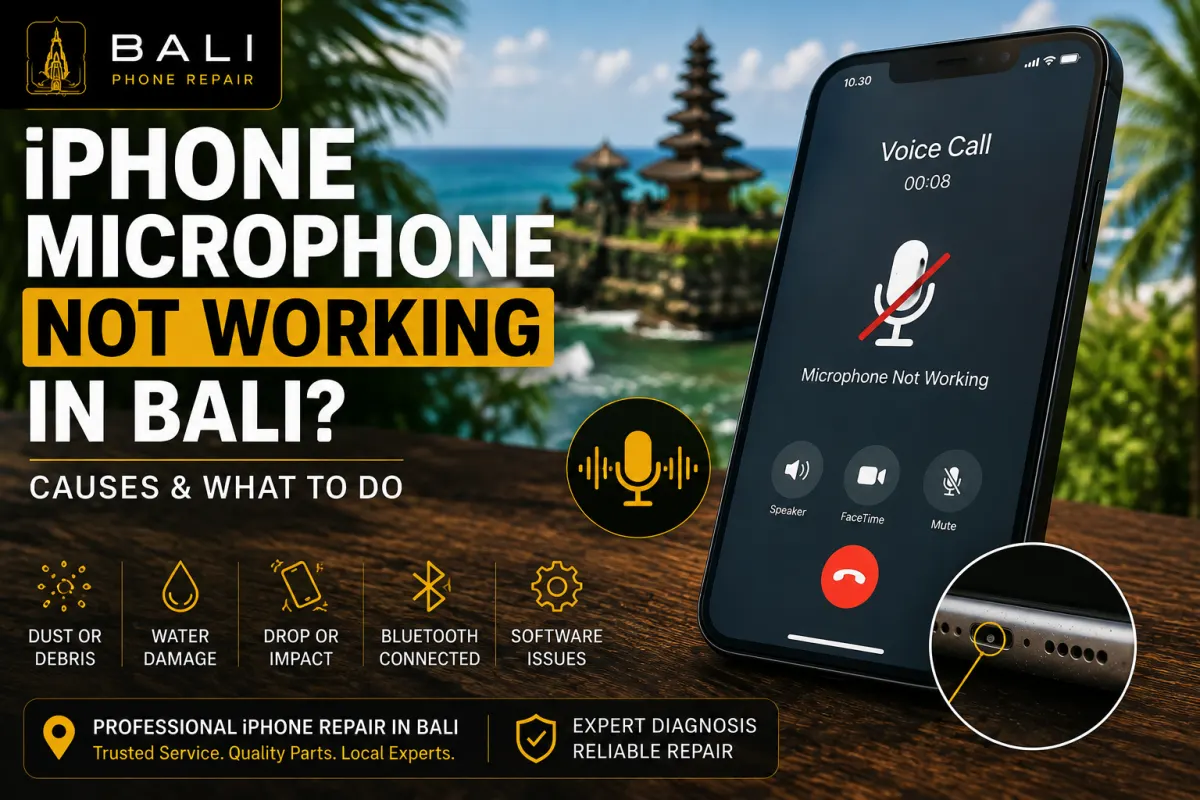
If people cannot hear you clearly during calls, your voice notes sound unusually quiet, or audio recordings contain muffled or distorted sound, your iPhone may have a microphone-related problem.
However, a microphone problem does not automatically mean that the microphone itself needs to be replaced. Dust, debris, moisture, protective cases, software settings, Bluetooth devices, physical damage, and internal hardware problems can produce similar symptoms.
If you are in Bali and rely on your iPhone for calls, WhatsApp, FaceTime, work, travel bookings, or voice messages, identifying when and where the microphone problem occurs can help narrow down the cause.
You may have a microphone or audio-input problem if you notice:
The exact symptom matters because an iPhone contains multiple microphones used for different functions. A problem that occurs only during one type of recording or call may therefore require different diagnosis from a microphone that appears to fail everywhere.
Dust, lint, dirt, and other debris can accumulate around microphone openings. This may interfere with sound reaching the microphone properly and can make recordings or calls sound quieter than normal.
A microphone opening should not be aggressively cleaned with sharp or metal objects, as this can cause additional damage.
Some cases, accessories, or incorrectly fitted screen protectors can partially obstruct microphone openings.
If the problem appeared after installing a new case or accessory, remove it temporarily and test the microphone again.
Your iPhone may sometimes be using the microphone on a connected Bluetooth device rather than the microphone you expect.
Disconnect Bluetooth headphones, speakers, vehicle systems, or other audio accessories and test the iPhone again.
If the microphone works in some applications but not in others, check whether the affected application has permission to access the microphone.
You can review microphone permissions under:
Settings → Privacy & Security → Microphone
Software glitches can also occasionally affect audio behaviour, so restarting the iPhone is a useful basic troubleshooting step.
Rain, pool water, seawater, spills, or other liquid exposure can affect microphones and surrounding components.
This is particularly relevant in Bali, where phones are frequently used around beaches, swimming pools, boats, outdoor activities, and humid environments.
If the microphone problem began after the iPhone became wet, other internal components may also require inspection.
For liquid-related problems, read our iPhone Water Damage Repair Bali guide.
A hard drop or impact can damage more than the exterior of an iPhone. Microphones, connectors, flex cables, or other internal components may be affected even when there is little visible damage.
If microphone problems started immediately after an impact, professional inspection may be more useful than repeatedly changing software settings.
Before arranging a repair, try to identify exactly when the problem occurs.
Open the Voice Memos app and record yourself speaking normally. Play the recording back and listen for low volume, distortion, crackling, interruptions, or missing audio.
Make a test call and ask whether your voice sounds clear. If possible, compare normal calling with speakerphone mode.
Record a short video while speaking, then play it back and listen to the recorded audio.
Testing several functions can provide useful clues because different microphones may be involved in different iPhone functions.
Before assuming that hardware replacement is required, try these basic checks:
If the microphone works normally in some situations but fails consistently in others, make a note of those differences. This information can make professional diagnosis considerably easier.
Not every microphone problem requires replacement.
If external contamination or debris is interfering with an opening, appropriate cleaning may help. If the problem is caused by a damaged component, connector, flex assembly, corrosion, or another internal fault, additional repair may be required.
The correct solution depends on the results of inspection and testing.
Microphone and speaker problems can sometimes appear similar from the user's perspective, but they involve different parts of the audio system.
If you can speak normally but cannot hear calls, videos, music, or notifications correctly, the issue may be more closely related to the speaker or another audio component.
For those symptoms, read our iPhone Speaker Not Working in Bali guide.
If microphone problems began after rain, swimming, a spill, seawater exposure, or another liquid incident, avoid assuming that only the microphone is affected.
Liquid contamination can affect connectors and other internal components, and corrosion may develop beyond the area where the original symptoms appear.
Our iPhone Water Damage Repair Bali guide explains what to do after an iPhone becomes wet and when professional inspection may be appropriate.
If basic troubleshooting does not solve the problem, Bali Phone Repair can inspect the iPhone to determine whether the symptoms are related to the microphone, contamination, liquid exposure, physical damage, connectors, or another component.
A useful diagnosis may include checking:
This helps identify the actual source of the problem before recommending replacement parts.
Many microphone-related problems can be repaired, but the appropriate solution depends on the iPhone model and the underlying cause.
A blocked microphone opening requires a different solution from liquid damage, a damaged internal component, or an issue involving another part of the phone's audio system.
For that reason, diagnosis should come before deciding which component needs to be repaired or replaced.
Repair time depends on the iPhone model, the cause of the problem, device condition, required parts, and whether liquid or impact damage is involved.
When contacting us, send your exact iPhone model and describe when the microphone problem occurs. If the phone was recently dropped or exposed to liquid, mention that as well.
If people cannot hear you during calls, voice messages sound muffled, recordings contain little or no audio, or your iPhone microphone behaves inconsistently, Bali Phone Repair can inspect the device and help identify the cause.
Send us your iPhone model, describe which apps or functions have the microphone problem, and tell us whether the issue started after a drop, liquid exposure, or another incident.
For broader iPhone diagnosis and repair options, visit our iPhone Repair Bali service page.
Need professional help?
Send your device model, issue, photos, and location so our team can suggest the next practical step.
Related articles
Need iPhone repair while travelling in Bali? Learn what tourists should check before repair, what information to provide, and how to arrange practical repair support during your trip.
Read articleBroken your iPhone while in Bali? Learn what to do after drops, screen damage, charging problems or liquid exposure, and when professional diagnosis may be needed.
Read articleIs your iPhone touch screen not working in Bali? Learn common causes of unresponsive or erratic touch, safe checks to try, and when professional diagnosis may be needed.
Read article