iPhone Repair
My iPhone Won’t Turn On in Bali: What Should I Do?
iPhone won’t turn on while you are in Bali? Learn the common causes, safe checks you can try, warning signs to avoid, and when professional diagnostics may be needed.
 Bali Phone RepairRepair - Trade - Rental
iPhone Repair
iPhone won’t turn on while you are in Bali? Learn the common causes, safe checks you can try, warning signs to avoid, and when professional diagnostics may be needed.
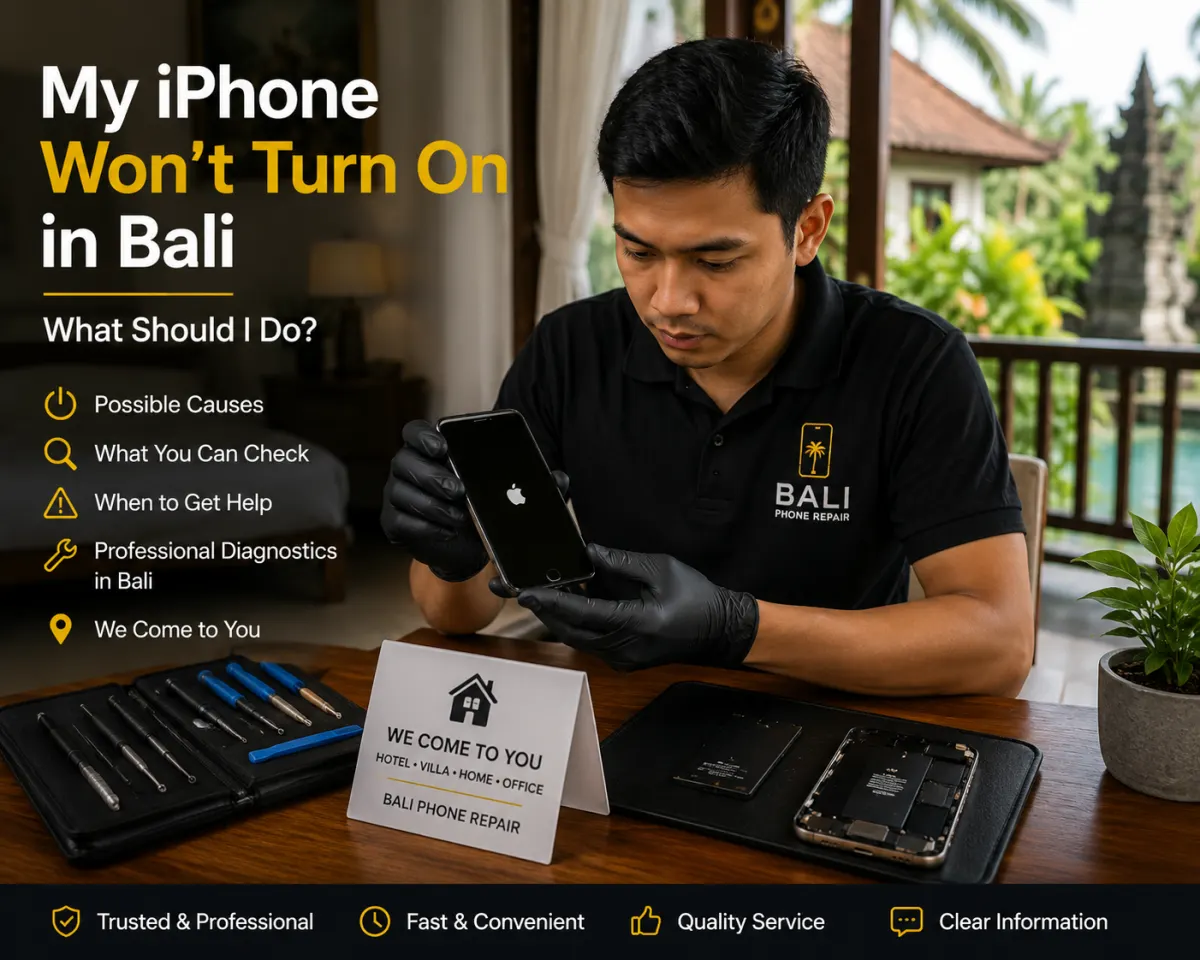
If your iPhone will not turn on while you are in Bali, do not immediately assume the phone is permanently damaged. The cause could be a completely drained battery, charging problem, software crash, overheating, liquid exposure, display failure, or another hardware fault.
The safest approach is to check a few basic things first, avoid destructive troubleshooting, and pay attention to what happened before the iPhone stopped responding.
An iPhone that appears completely dead can have several possible causes, including:
Because different faults can create the same symptom, diagnosis is more useful than replacing a component based only on the fact that the iPhone will not power on.
Sometimes the iPhone may still be running even though the display remains black.
Try calling the phone from another device. Listen for sounds, vibrations, notifications, or other signs of activity. If the phone reacts but the screen stays black, the problem may involve the display rather than the entire device being completely dead.
If you have recently dropped the phone or damaged the screen, see our iPhone screen repair guide in Bali.
If there are no signs of life, connect the iPhone to a compatible charger and cable that you know are working properly.
A failed cable or adapter can make a healthy phone appear dead. Give the device some time to receive power before repeatedly disconnecting and reconnecting it.
If the iPhone only charges at a particular cable angle, does not recognize multiple chargers, or had charging problems before it stopped turning on, the charging system may need inspection.
Our guide on what to do when an iPhone is not charging in Bali covers this problem in more detail.
Yes, battery or power-related problems are one possible cause. A severely worn or failed battery may no longer provide stable power to the device.
You may have noticed warning signs beforehand, such as:
If battery performance had already deteriorated before the phone stopped turning on, read our guide to fast iPhone battery drain in Bali.
High temperature can affect iPhone operation. Direct sunlight, a hot vehicle, heavy gaming, navigation, video recording, charging, or other intensive use can raise the device temperature.
If the iPhone became very hot before shutting down, move it away from direct heat and let it return to a normal temperature naturally.
Do not place a hot iPhone in a freezer, refrigerator, or directly against ice. Rapid temperature changes can introduce additional moisture-related risks.
If the iPhone stopped turning on after rain, a swimming pool, seawater, a spilled drink, or other liquid exposure, treat the situation carefully.
Do not repeatedly connect a wet iPhone to a charger or continuously force it to restart just to see whether it still works.
Tell the technician what type of liquid was involved, when the exposure happened, and whether the phone continued working afterward.
See our iPhone water damage guide for Bali for additional precautions.
A force restart can sometimes help when iOS has stopped responding, but repeatedly forcing the phone to restart is not a substitute for diagnosis.
If the iPhone has suffered liquid exposure, severe impact damage, unusual heat, or other physical symptoms, avoid repeating troubleshooting steps unnecessarily.
No. A factory reset should not be the first response to an iPhone that will not power on.
Resetting can erase personal data, and it cannot repair a failed battery, damaged display, charging fault, liquid damage, or other physical hardware problem.
If important data is stored on the phone, mention that before any destructive troubleshooting is attempted.
When contacting a repair service, provide as much useful context as possible:
This information can make the initial assessment more useful and help determine the appropriate next step.
That depends on the cause of the failure and the condition of the device.
If your photos, contacts, work files, travel documents, authentication apps, or other data are important, say so before repair or troubleshooting begins.
Do not assume that erasing, restoring, or replacing parts is automatically the first step when data preservation matters.
Bali Phone Repair provides iPhone diagnostics and repair assistance for customers in Bali.
Customers can contact the team with their iPhone model, symptoms, current location, and relevant history such as battery problems, charging faults, overheating, impact damage, or liquid exposure.
For general repair information, visit our iPhone repair service in Bali.
Depending on the fault, area, technician schedule, and type of work required, assistance can be coordinated for customers at hotels, villas, homes, offices, and other locations in Bali.
More complex faults may still require workshop diagnostics or additional testing.
Possible causes include a drained or failed battery, charging problem, software crash, display failure, overheating, liquid exposure, impact damage, or another internal hardware fault.
Yes. Battery or power problems can prevent normal startup, although the symptom alone does not confirm that the battery is the only problem.
Liquid exposure can affect internal components and power circuits. Avoid repeatedly charging or restarting the device and mention the liquid exposure when arranging inspection.
A drop can affect the screen, battery connection, internal components, or other hardware. If the phone still rings or vibrates but the display remains black, the screen may be part of the problem.
Using a known-good charger for an initial check can be reasonable, but repeatedly charging a device that is hot, physically damaged, or recently exposed to liquid is not recommended.
Bali Phone Repair can help assess iPhones that will not power on. Send the model, symptoms, current location, and any relevant history such as charging issues, battery problems, overheating, a recent drop, or liquid exposure.
If your iPhone appears completely dead or will not start normally, contact Bali Phone Repair with the model, symptoms, and what happened before the problem started.
The goal is to identify the cause first and then determine whether the phone needs charging-system checks, battery service, display inspection, software troubleshooting, or further hardware diagnostics.
Need professional help?
Send your device model, issue, photos, and location so our team can suggest the next practical step.
Related articles
Looking for fast, same-day iPhone camera glass repair in Bali? Learn where to get express lens replacements in Canggu, Ubud, or Seminyak with villa pickup.
Read articleDiscover how iPhone screen replacement costs in Bali compare to official Apple Stores, with transparent IDR pricing, turnaround times, and villa pickup options.
Read articleLearn how to safely clean beach sand and ocean moisture from your iPhone charging port in Bali with expert tips, pricing, and fast local repair options.
Read article