Repair Guide
MacBook Keyboard & Trackpad Issues in Bali: What to Check First
MacBook keyboard or trackpad not working? Learn common causes, simple checks, and when your MacBook may need professional diagnosis or repair in Bali.
 Bali Phone RepairRepair - Trade - Rental
Repair Guide
MacBook keyboard or trackpad not working? Learn common causes, simple checks, and when your MacBook may need professional diagnosis or repair in Bali.
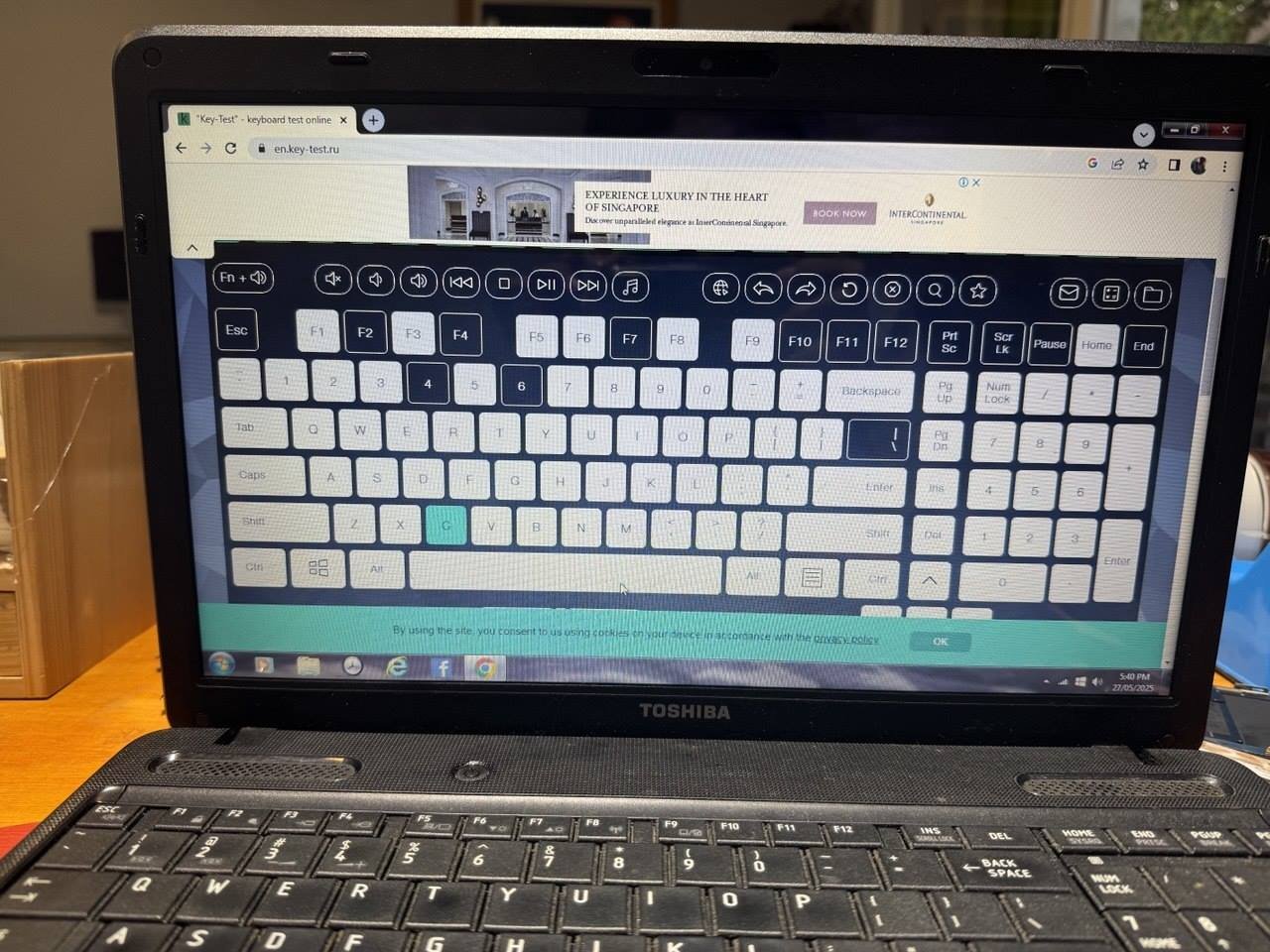
Keyboard and trackpad problems can make a MacBook difficult or impossible to use. Keys may stop responding, type twice, feel sticky, or produce the wrong input. The trackpad may stop clicking, respond intermittently, or behave unpredictably.
These symptoms do not always mean the keyboard or trackpad itself needs replacement. Software issues, settings, debris, liquid exposure, battery problems, damaged connectors, or other internal faults can sometimes produce similar symptoms.
If you are in Bali and your MacBook develops keyboard or trackpad problems, a few basic checks can help narrow down the cause before arranging a repair.
Keyboard problems can appear in several ways:
The pattern of the problem can provide useful diagnostic information. A single problematic key, for example, may have a different cause from an entire keyboard that suddenly stops responding.
A MacBook trackpad may need inspection if you experience:
If both the keyboard and trackpad fail together, diagnosis becomes especially important because the problem may involve more than two separate input components.
A restart can resolve some temporary software or system issues. After restarting, check whether the keyboard and trackpad behave normally before opening additional applications.
Notice whether the keyboard or trackpad works normally on the login screen but develops problems after you sign in. This information can help distinguish certain software-related symptoms from hardware problems.
Disconnect unnecessary USB devices, hubs, external keyboards, mice, and other accessories, then test the built-in keyboard and trackpad again.
Look for obvious dirt or debris around problematic keys. Avoid forcing keys, inserting sharp objects, or applying liquids while attempting to clean the keyboard.
If the MacBook was recently exposed to coffee, water, rain, another drink, or high moisture, tell the technician. Even when the MacBook continues working, liquid contamination can affect connectors and internal components.
Keyboard and trackpad problems following liquid exposure should be treated differently from ordinary wear or software issues.
Liquid may travel beneath the keyboard and affect connectors or other internal components. Symptoms may also develop or become worse after the initial incident as contamination or corrosion progresses.
If liquid entered the MacBook, avoid repeatedly testing the device if it begins behaving abnormally. Professional inspection can help determine which components have actually been affected.
A physical change around the trackpad should not automatically be assumed to be a trackpad failure.
If the trackpad becomes difficult to click, appears raised, or the MacBook enclosure begins separating, stop pressing the affected area and arrange an inspection. Internal pressure from a battery problem is one possible cause that should be ruled out.
Do not attempt to force a raised trackpad or enclosure back into position.
Some keyboard and trackpad symptoms can originate from software, settings, or connected accessories, while others are caused by physical hardware faults.
Useful details to note before requesting service include:
Providing this information can make diagnosis more efficient.
If basic troubleshooting does not resolve the problem, Bali Phone Repair can inspect the MacBook to help identify whether the issue is related to the keyboard, trackpad, connectors, liquid damage, battery condition, or another component.
Depending on the symptoms, inspection may include:
The appropriate repair depends on the MacBook model, symptoms, and what is found during diagnosis.
No. Similar symptoms can have different causes, which is why diagnosis should come before replacing parts.
In some cases, the affected component may require repair or replacement. In others, the underlying problem may be related to a connection, another internal component, software behaviour, or damage elsewhere in the MacBook.
When contacting Bali Phone Repair, send as much of the following information as possible:
This information can help us understand the problem before the device is inspected.
If your MacBook keyboard is unresponsive, keys are behaving incorrectly, the trackpad has stopped working, or both input devices are experiencing problems, Bali Phone Repair can inspect the device and help identify the cause.
Contact us with your MacBook model and a description of the symptoms. If the problem followed a spill, drop, or other incident, include that information as well.
Need professional help?
Send your device model, issue, photos, and location so our team can suggest the next practical step.
Related articles
Need phone repair in Bali? Learn what to check before choosing a repair service, from diagnosis and replacement parts to location, repair time, and after-repair testing.
Read article